//request a feature
All Lighting References
Navigation menu
Interactive Hand Lighting Reference
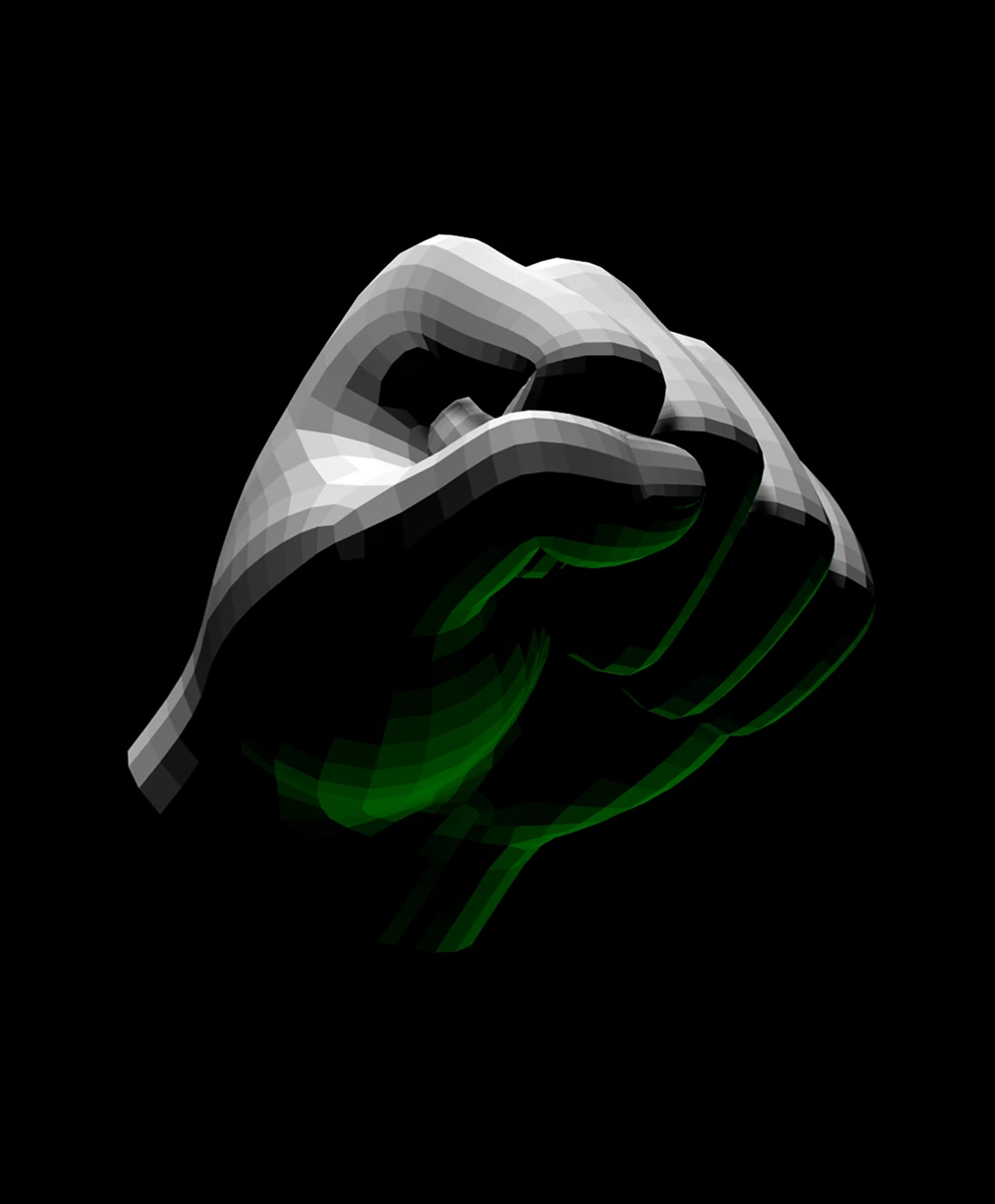
Heroic Lighting
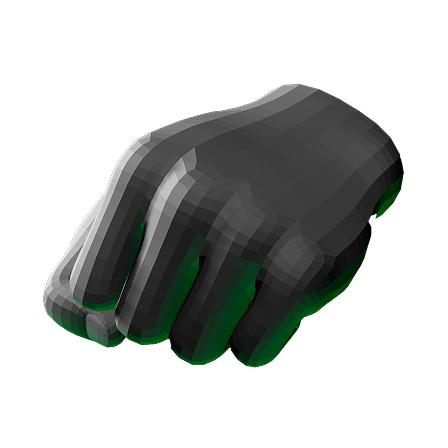
Fist in 3 quarter view angled slightly upward with bright light above, deep shadows, and rim light below
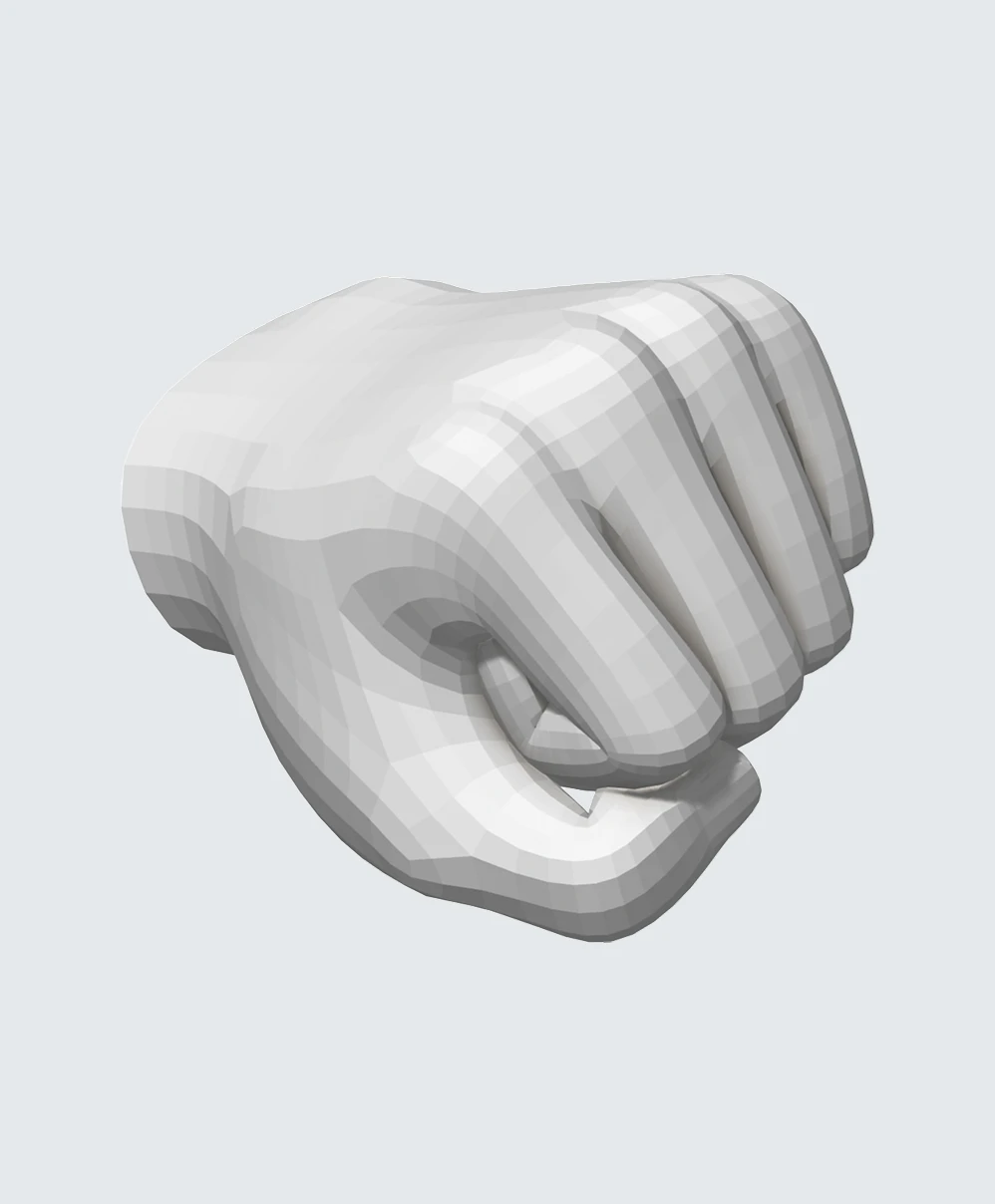
Studio Lighting
White neutral colored 3D fist punching partially toward viewer
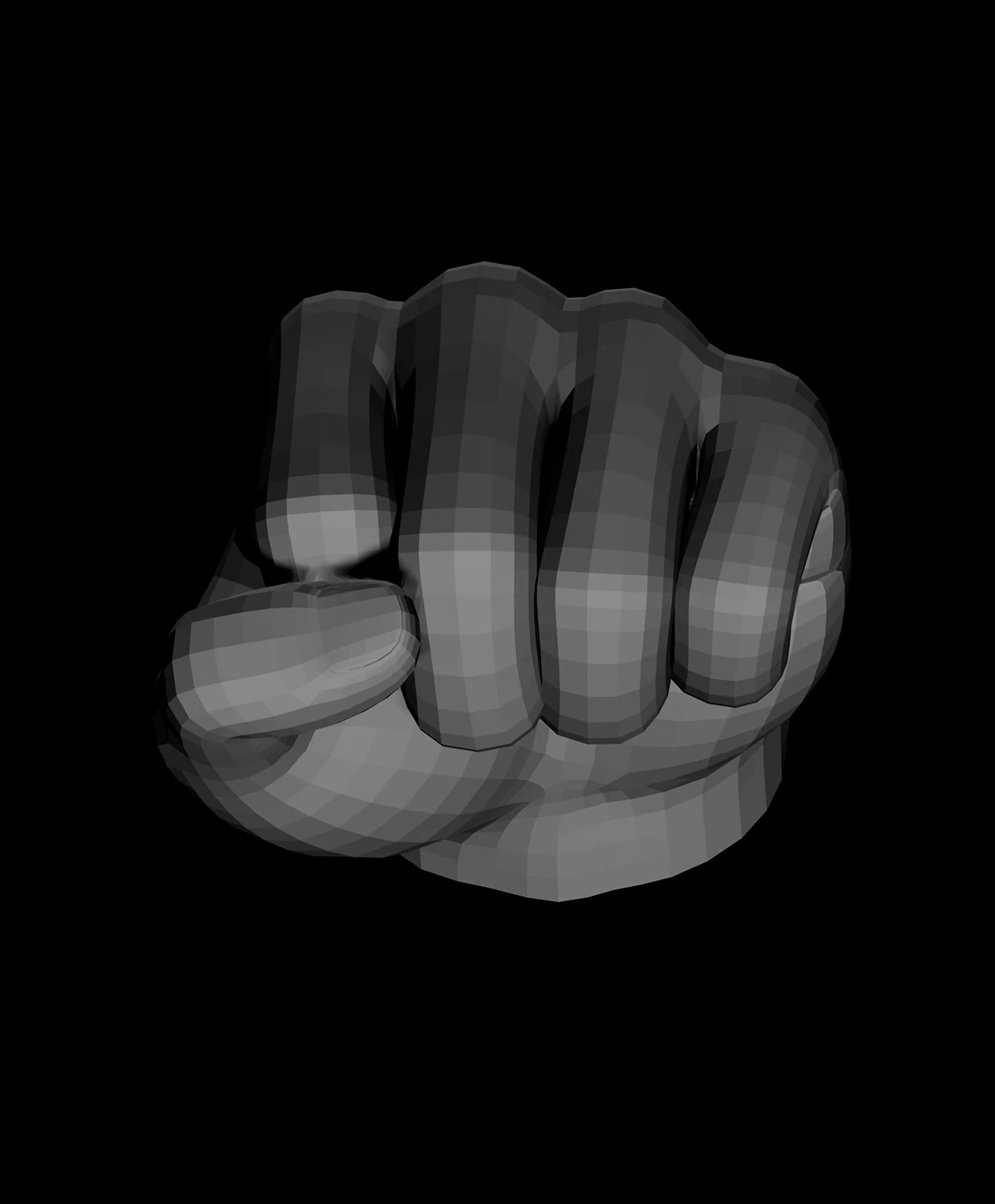
Film Noir Lighting
Front view of a fist with dramatic lighting from below
Close modal

Fist Lighting Practice

Hands are notoriously difficult to draw and light, especially when they’re winding up for a strike. Use this lighting simulator for drawing to nail these three setups and give your art more punch:
  • Heroic Lighting: Position a key light on the knuckles and a colored accent light nearby. This creates high-contrast drama and suggests something glowing nearby.
  • Studio Lighting: Surround the fist with an even, high-key wash. Without pitch-black shadows you get an uninterrupted look at the underlying anatomy, great for drawing accurate line art.
  • Film Noir Lighting: This stylized, high-contrast technique was inspired by German Expressionism. Use a white light to cast deep shadows and minimal mid-tones. It creates an ominous, heavy-ink look for your illustrations.
That’s just your warm-up. With this 3D reference tool in your corner, keep experimenting until your next drawing delivers a knockout!
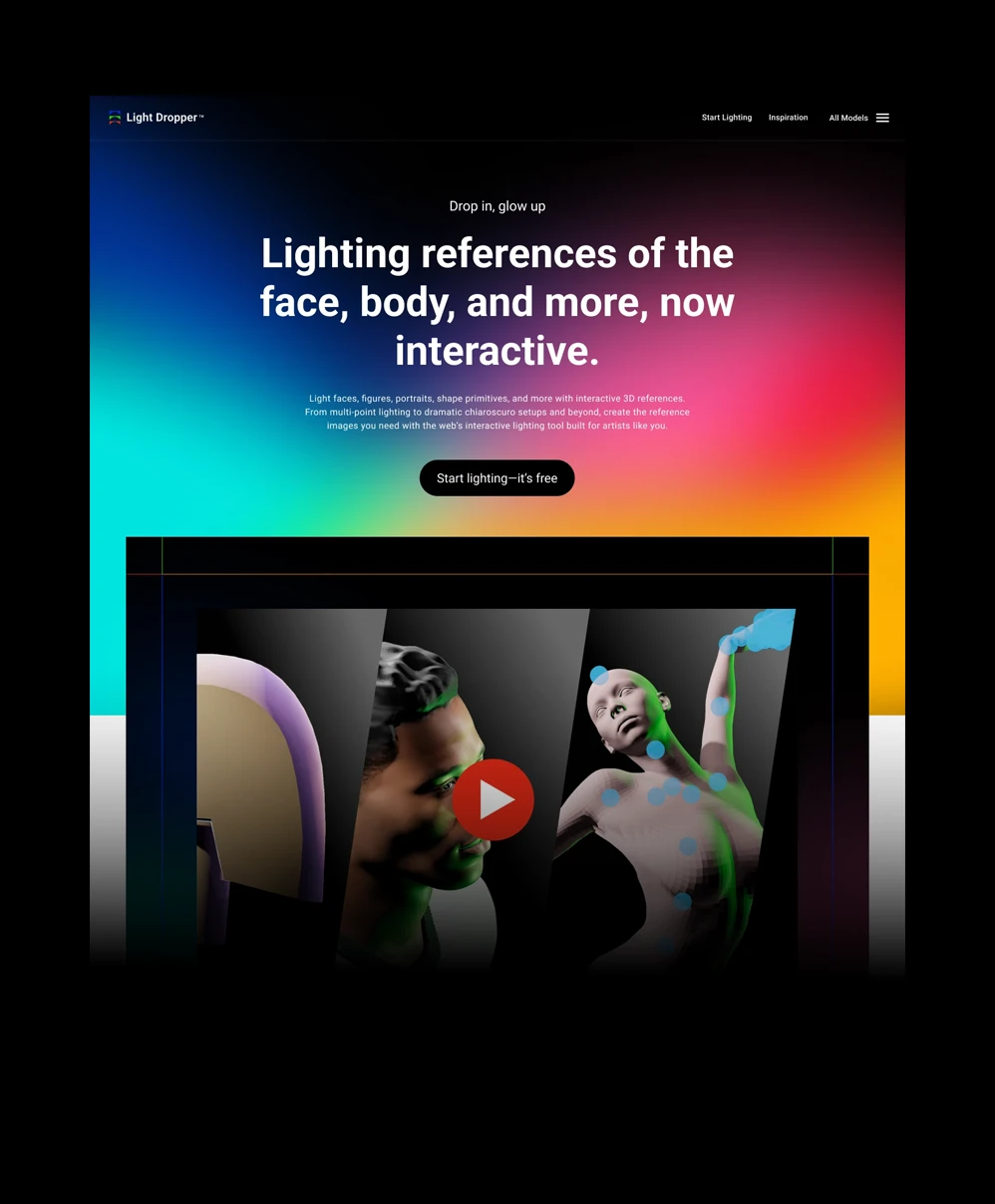
Website homepage for interactive tool
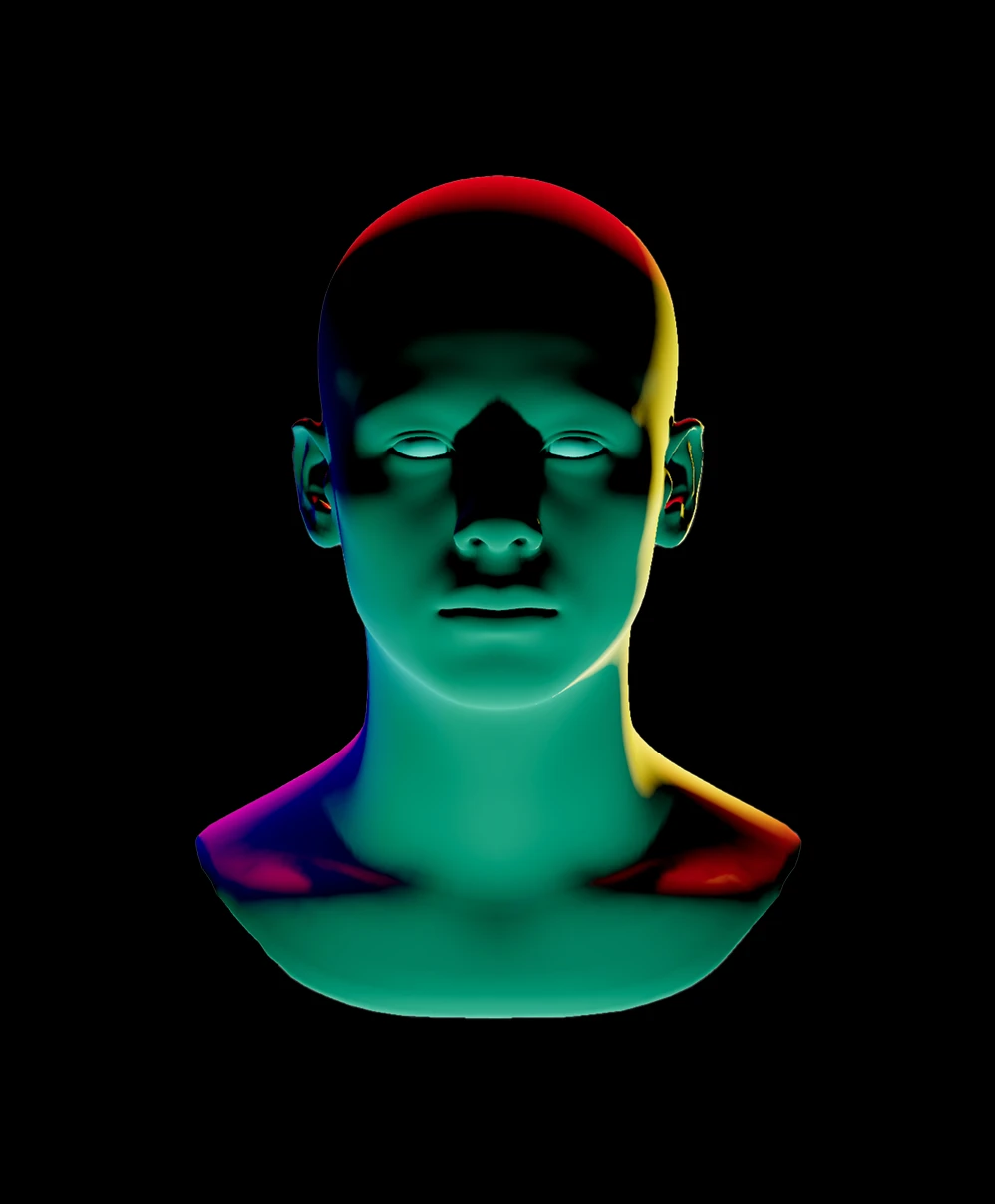
3D green and red lit mannequin head and neck on black background.
Custom lights, brightness, and colors
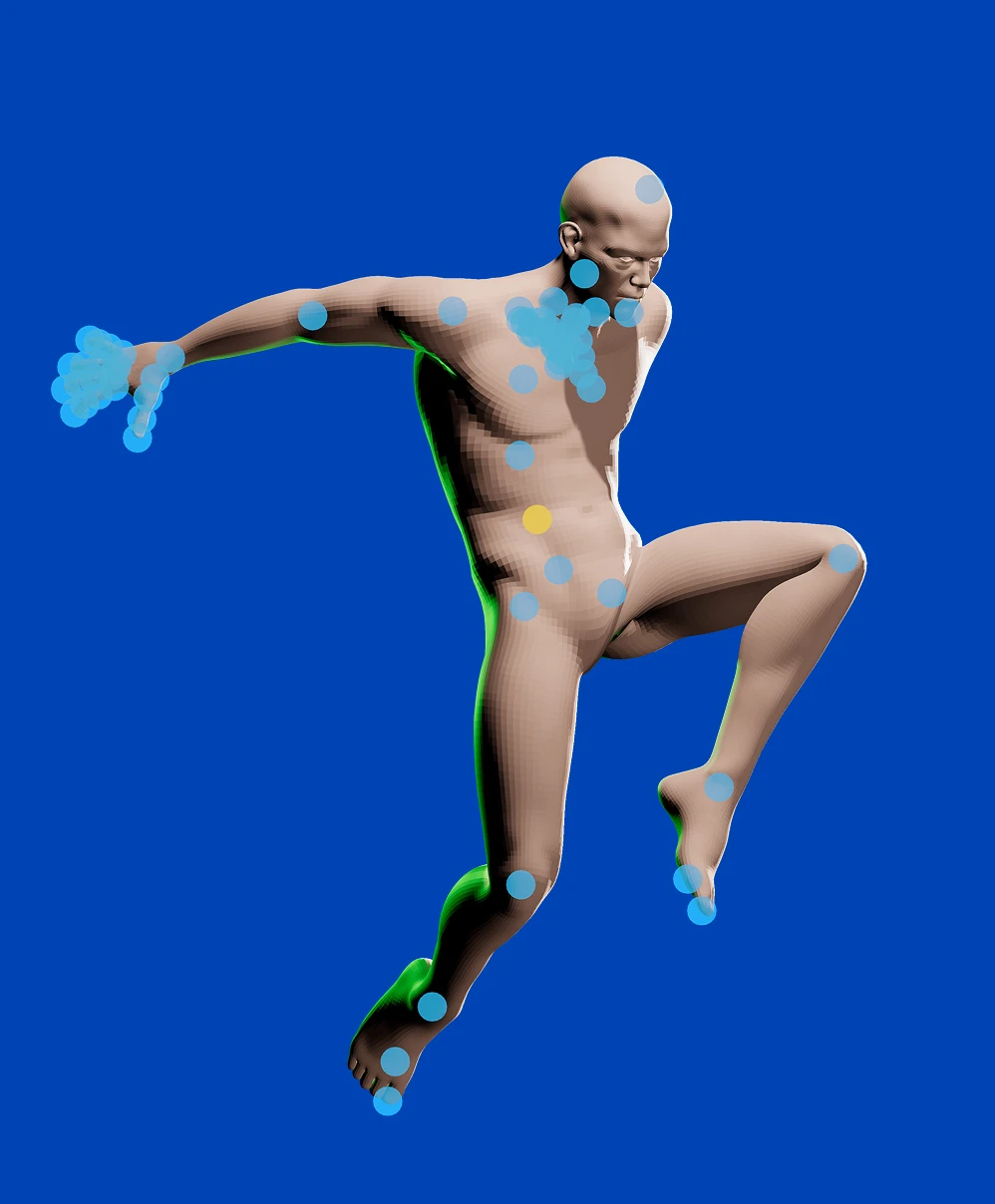
3D human figure in dynamic pose covered with blue and one yellow marker dots on a solid blue background.
Pose and rotate models however you like
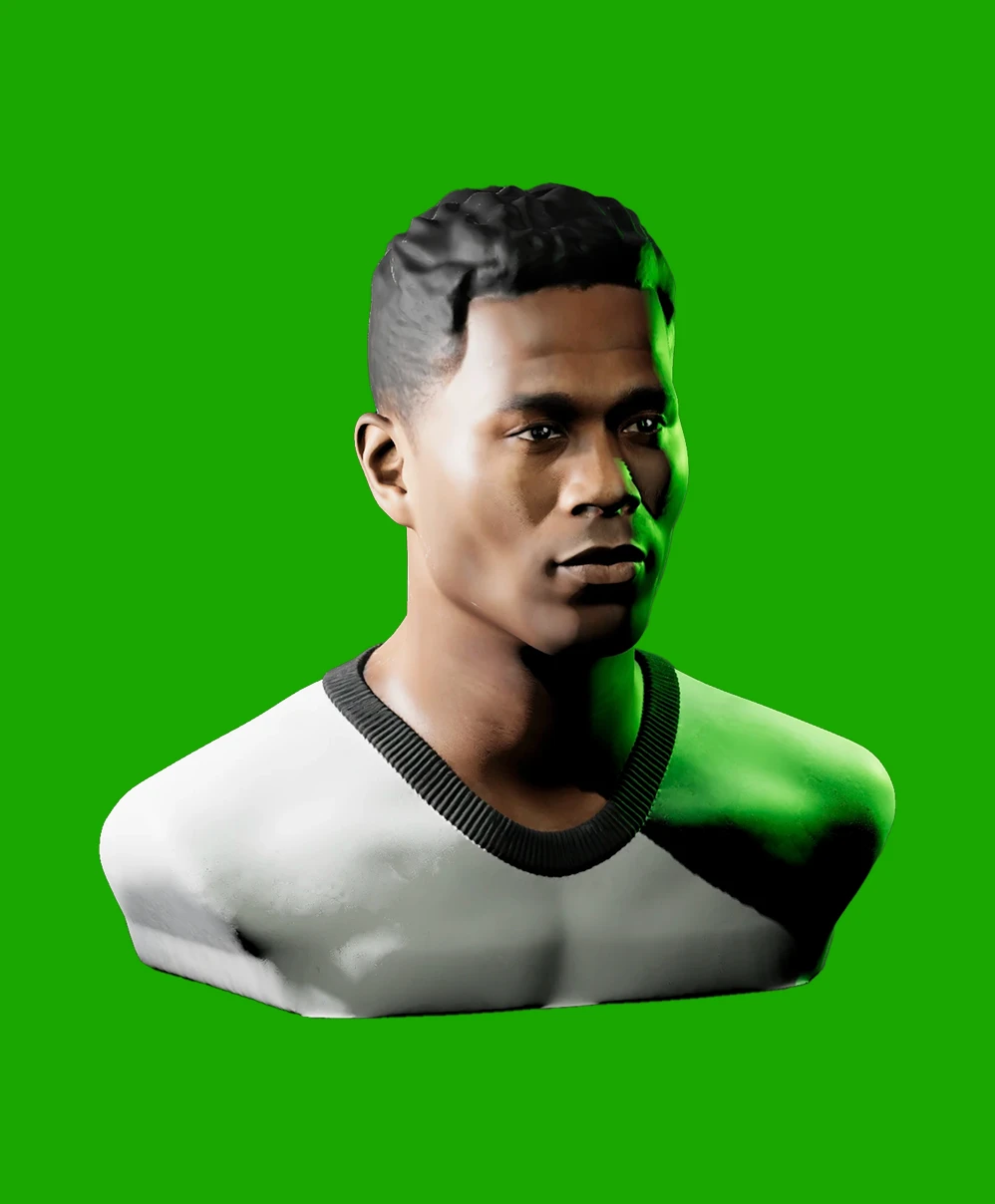
3D rendering of a young man with short hair wearing a white and black shirt against a green background.
Realistic portrait lighting references
Close modal

Say Hello to Light Dropper

What began as a single page on my portfolio has grown into Light Dropper, a dedicated tool I built from the ground up to help you master your lighting reference workflow. A lot of what’s inside came straight from your requests. Light Dropper lets you:
  • Customize the number of lights, along with their brightness and color
  • Pose and rotate models however you like. From shape primitives to animated models, the controls are yours
  • Take precise control over model, surface, and background color
  • Save your work across sessions
  • And plenty more
If you’re ready for a massive upgrade, it’s waiting for you at www.lightdropper.com. Light your reference your way.
Try Light Dropper
Arrow icon pointing up and to the right
Clench Fist
The number 360 degrees in blue text

Interactive Hand Lighting Reference

Practice hand lighting for gesture and action using this free 360° reference. Featuring left and right hands, it lets you rotate the model, adjust the light, and use it as a practical drawing reference for expressive illustration.

Instructions
Fist lighting practice
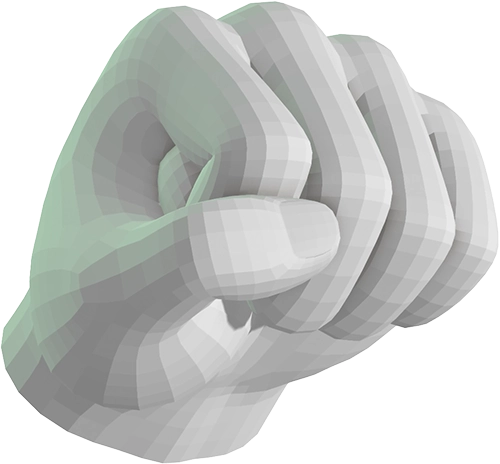
3D rendered human hand making a fist three quarter front view
Switch hands
Switch hands
Dramatic Lighting
Neutral Lighting
Version 2 is officially here!
An icon with the letters "3D" and two arrows swirling around
INSTRUCTIONS: Click and drag to orbit the model or move lights. Press 1, or 2 on the keyboard to cycle a light’s brightness with each press.
This experience requires a larger window
Customize it