//request a feature
All Lighting References
Navigation menu
6 Facial Expressions 3D Lighting Reference
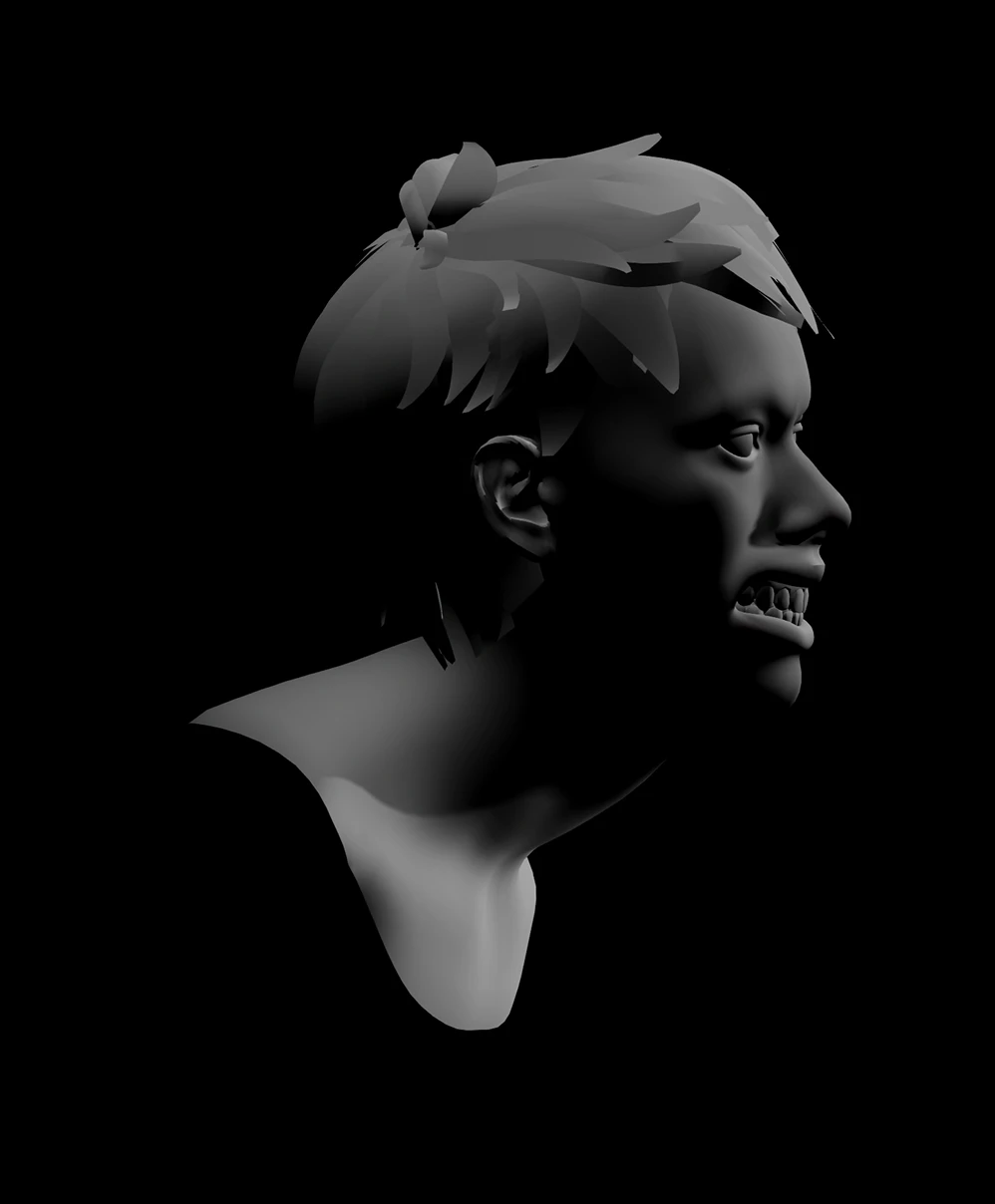
Rim Lighting
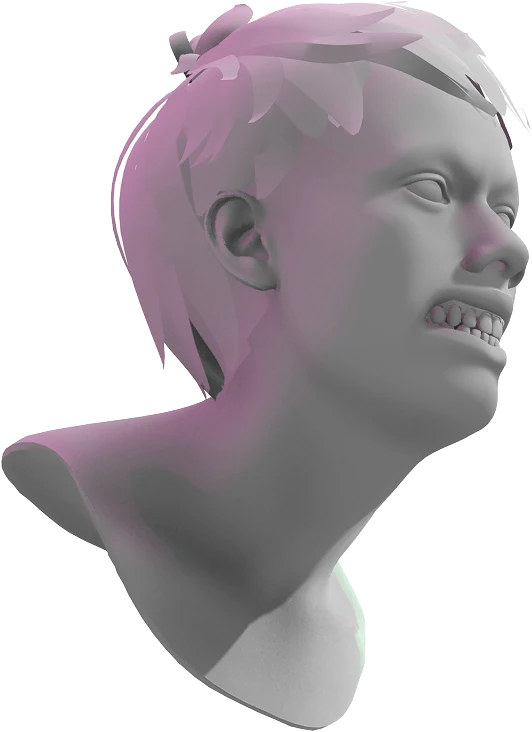
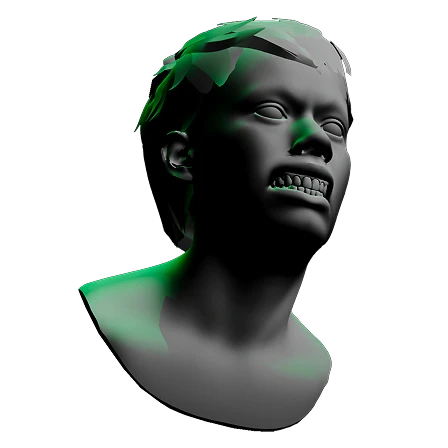
Side profile of a person angrily leaning forward with teeth clenched and dramatic rim lighting.
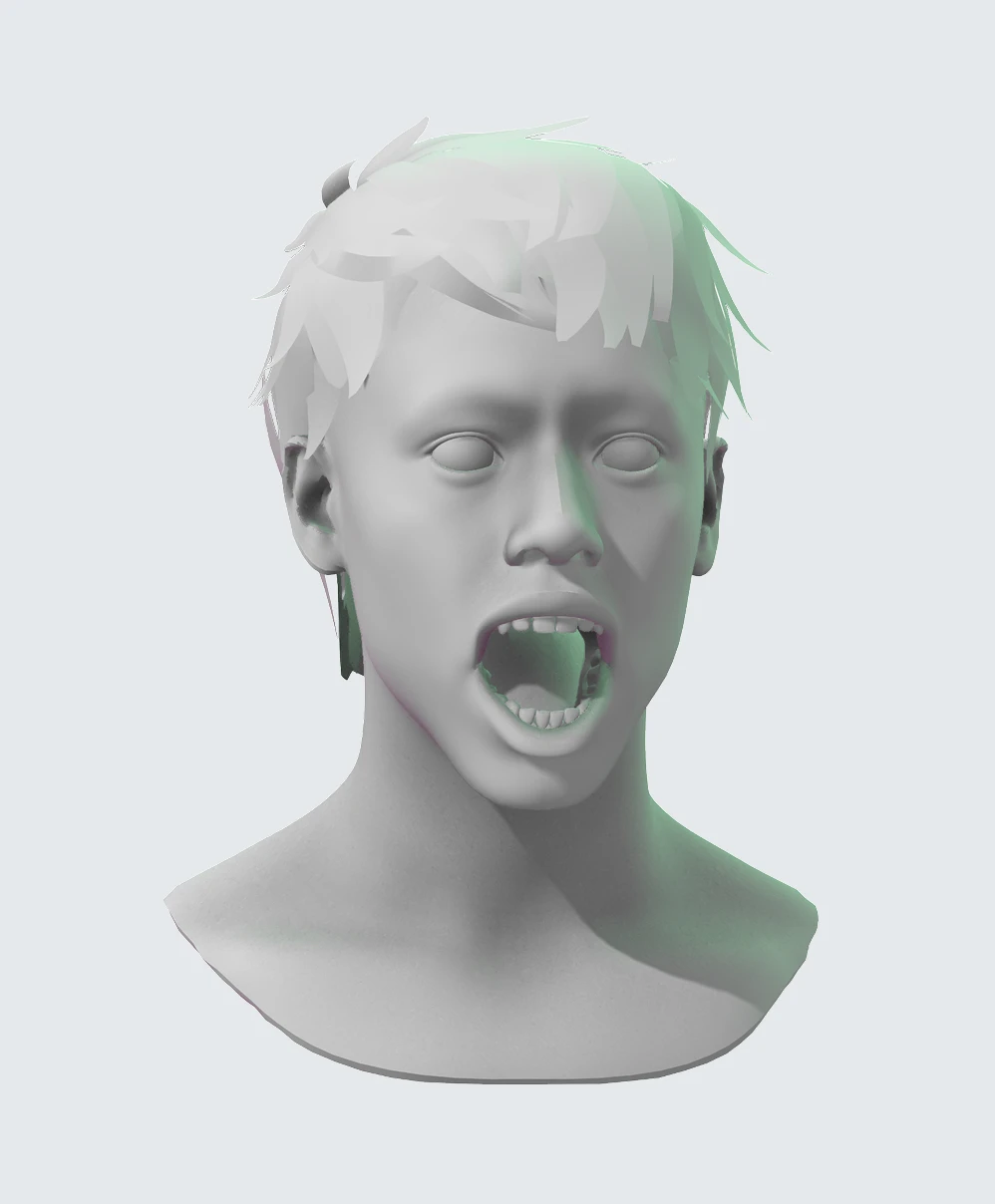
Rembrandt Lighting
A person with mouth and eyes wide open making a scared expression while depicting the Rembrandt lighting technique.
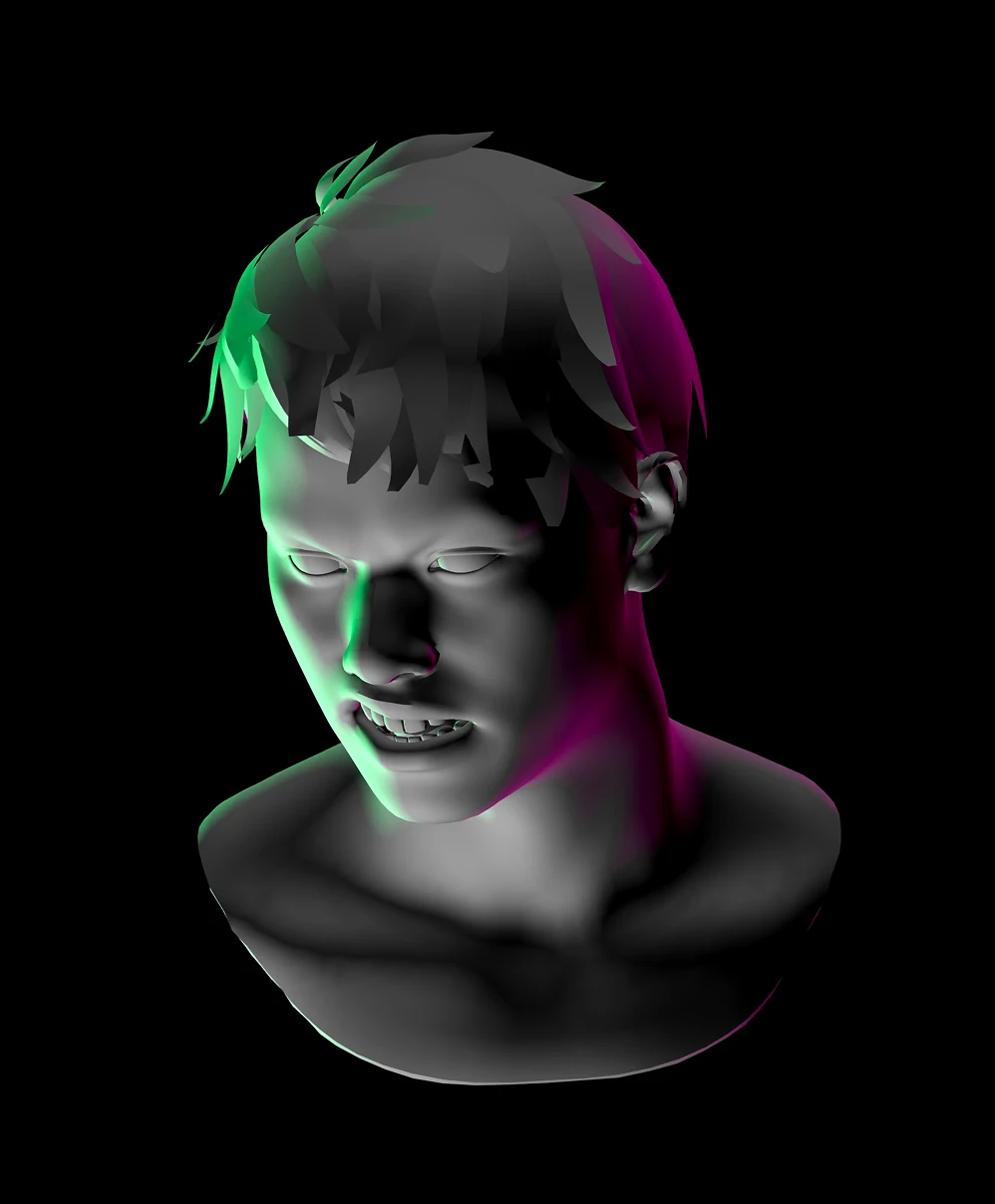
Three-point Lighting
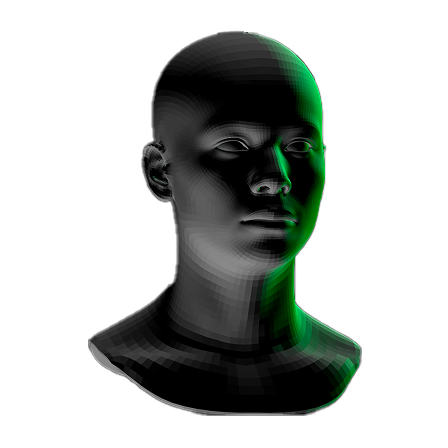
Bust of a person lit by three-point lighting using green, magenta, and white light set against a black background.
Close modal

Facial Lighting Practice

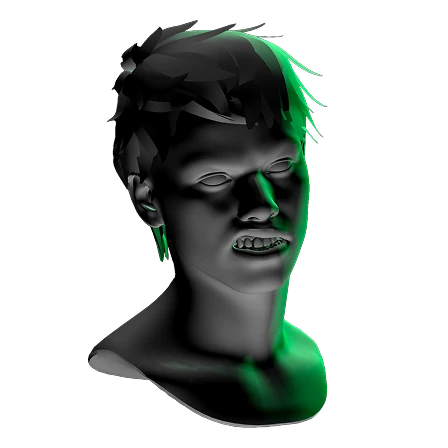
This tool blends traditional lighting theory with the Facial Action Coding System (FACS). The 6 expressions cover neutral, scared, angry, disgusted, suspicious, and happy. Maximize their impact using 3 classic lighting techniques:
  • Rim Lighting: Position a light behind or somewhere past the model itself. This separates the character from the background and emphasizes silhouette.
  • Rembrandt Lighting: Position the light so a small triangle is cast on the shadowed cheek. This setup is known for portraying intense, serious, or emotionally complex subjects.
  • Three-point Lighting: Use a key light for the main focus, and 2 fill lights (accents) to soften shadows. This is the industry standard for professional character shots.
Every study makes you a stronger artist. Go ahead, try these lighting techniques right now!
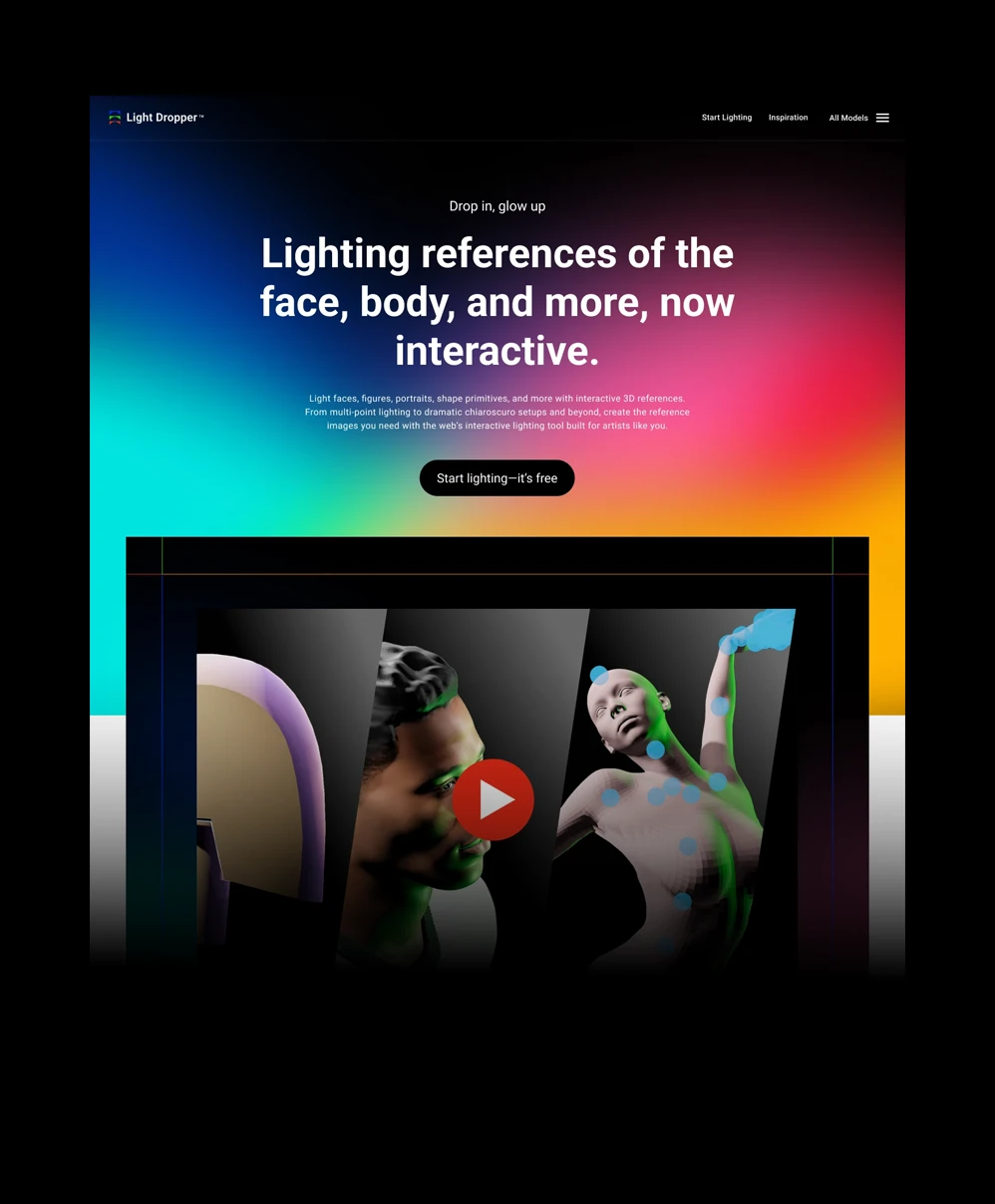
Website homepage for interactive tool
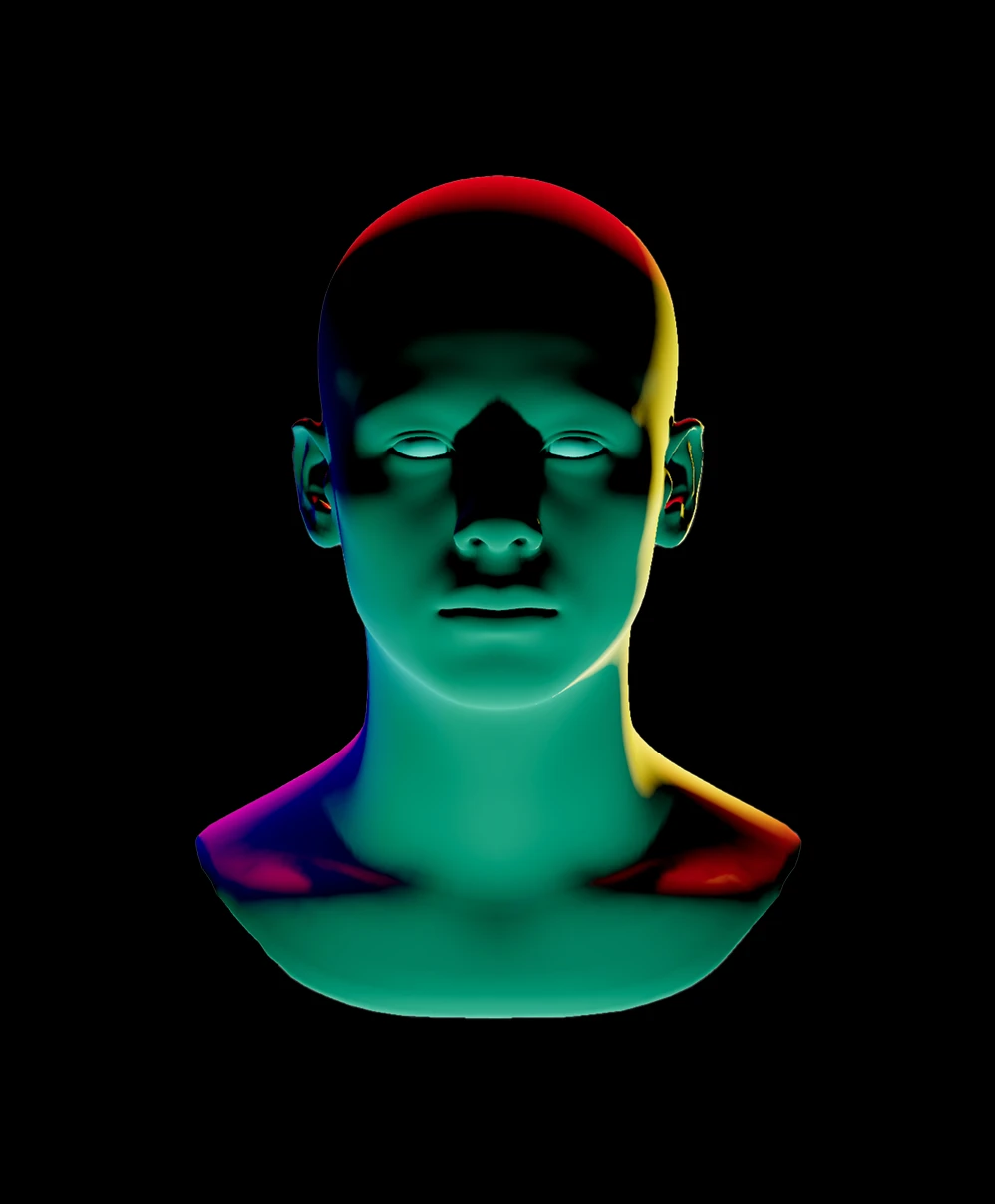
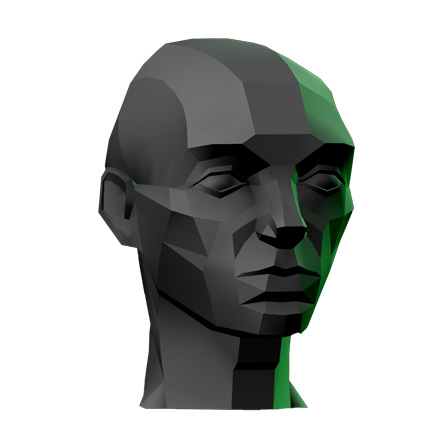
3D green and red lit mannequin head and neck on black background.
Custom lights, brightness, and colors
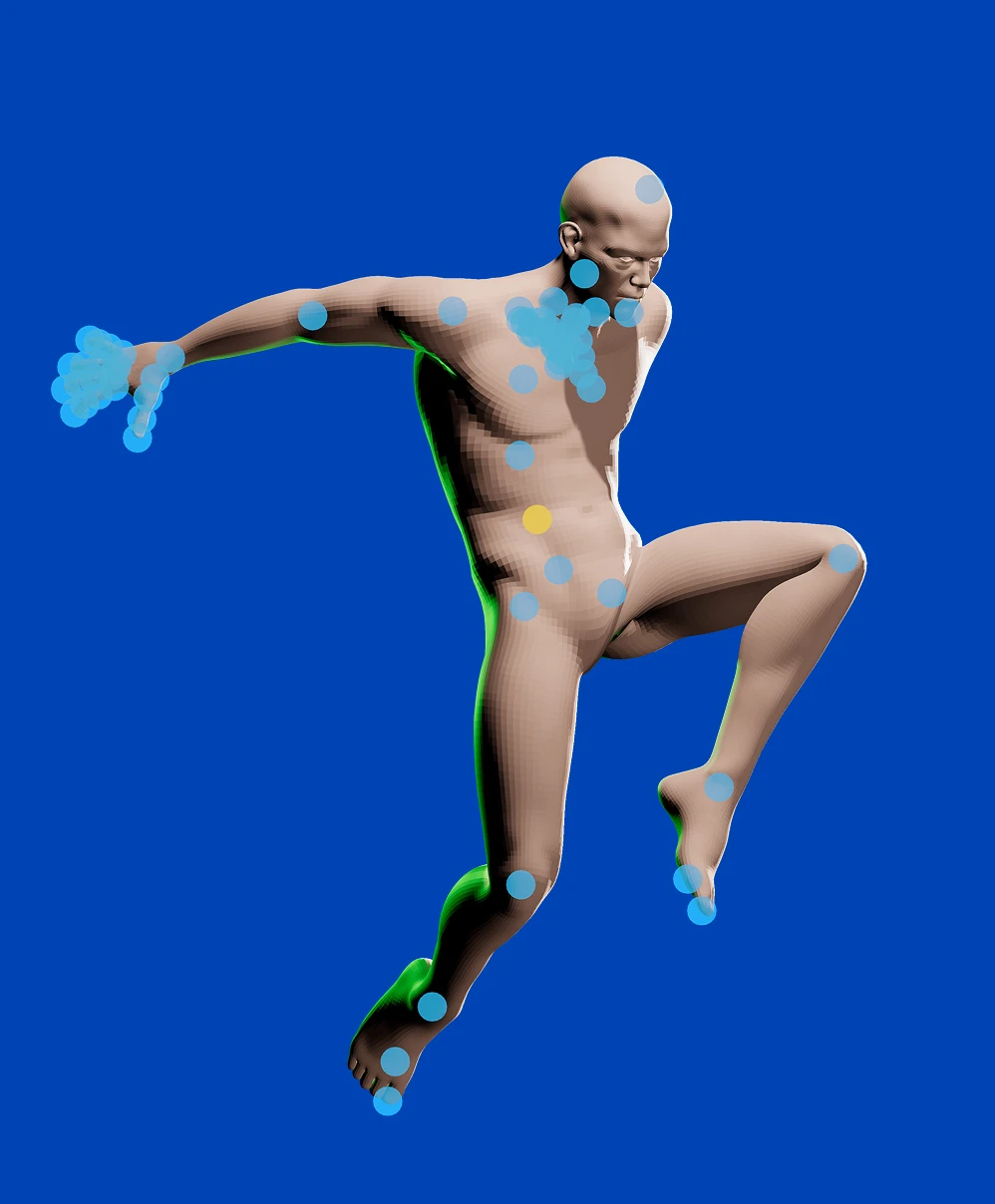
3D human figure in dynamic pose covered with blue and one yellow marker dots on a solid blue background.
Pose and rotate models however you like
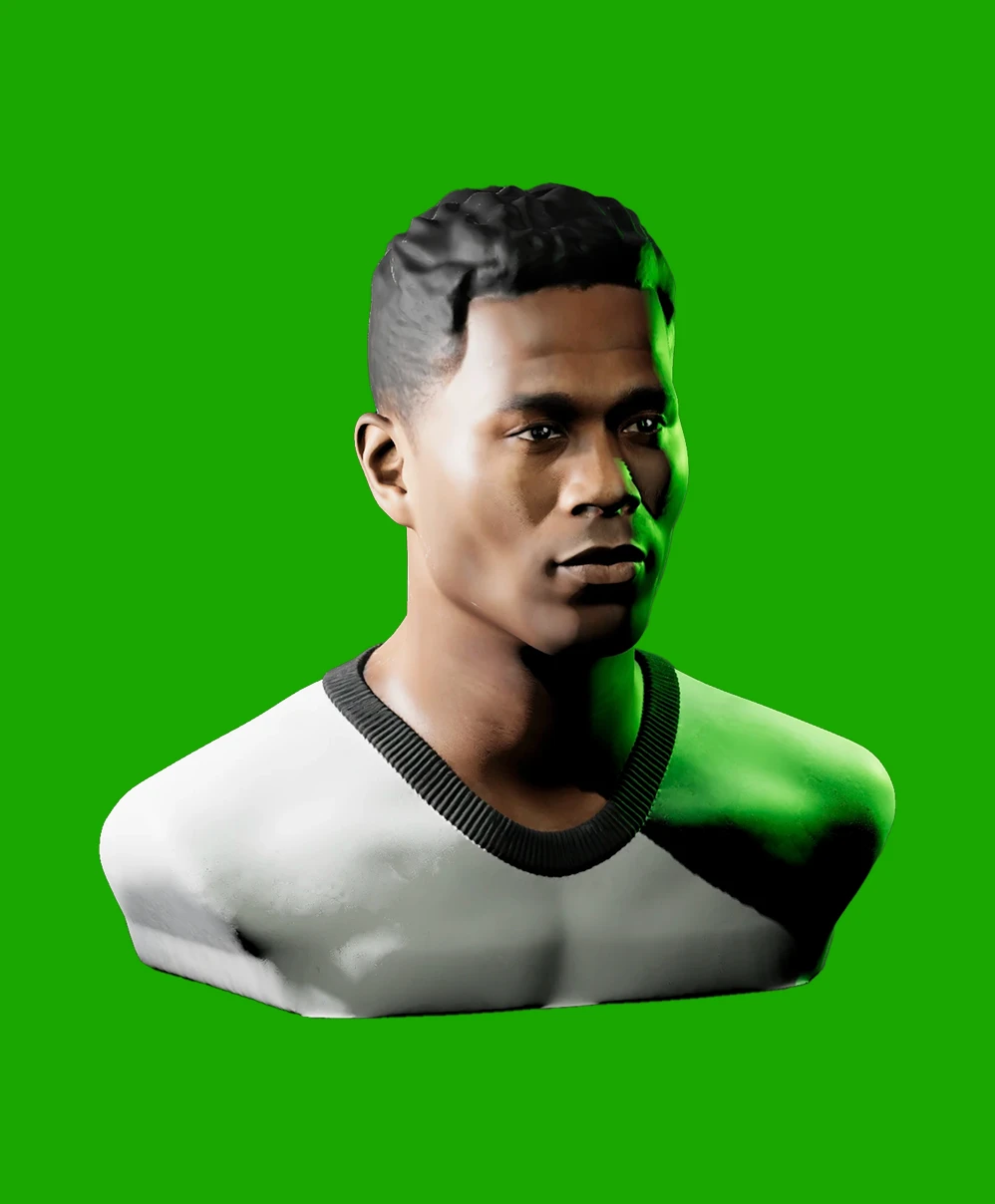
3D rendering of a young man with short hair wearing a white and black shirt against a green background.
Realistic portrait lighting references
Close modal

Say Hello to Light Dropper

What began as a single page on my portfolio has grown into Light Dropper, a dedicated tool I built from the ground up to help you master your lighting reference workflow. A lot of what’s inside came straight from your requests. Light Dropper lets you:
  • Customize the number of lights, along with their brightness and color
  • Pose and rotate models however you like. From shape primitives to animated models, the controls are yours
  • Take precise control over model, surface, and background color
  • Save your work across sessions
  • And plenty more
If you’re ready for a massive upgrade, it’s waiting for you at www.lightdropper.com. Light your reference your way.
Try Light Dropper
Arrow icon pointing up and to the right
Expressions
The number 360 degrees in blue text

6 Facial Expressions 3D Lighting Reference

This light source reference generator uses the web’s interactive power to give you real control and bespoke lighting. Pick from 6 facial expressions—neutral, scared, angry, disgusted, suspicious, or happy—adjust the camera, move the lights, and nail your reference.

Instructions
Facial lighting practice
3D-rendered person with a tense expression, gritting teeth, and strands of hair highlighted in purple light.
Dramatic Lighting
Neutral Lighting
Version 2 is officially here!
An icon with the letters "3D" and two arrows swirling around
INSTRUCTIONS: Press “e” to change expressions. Press 1, 2, or 3 on the keyboard to cycle a light’s brightness with each press.
This experience requires a larger window
Customize it