//request a feature
All Lighting References
Navigation menu
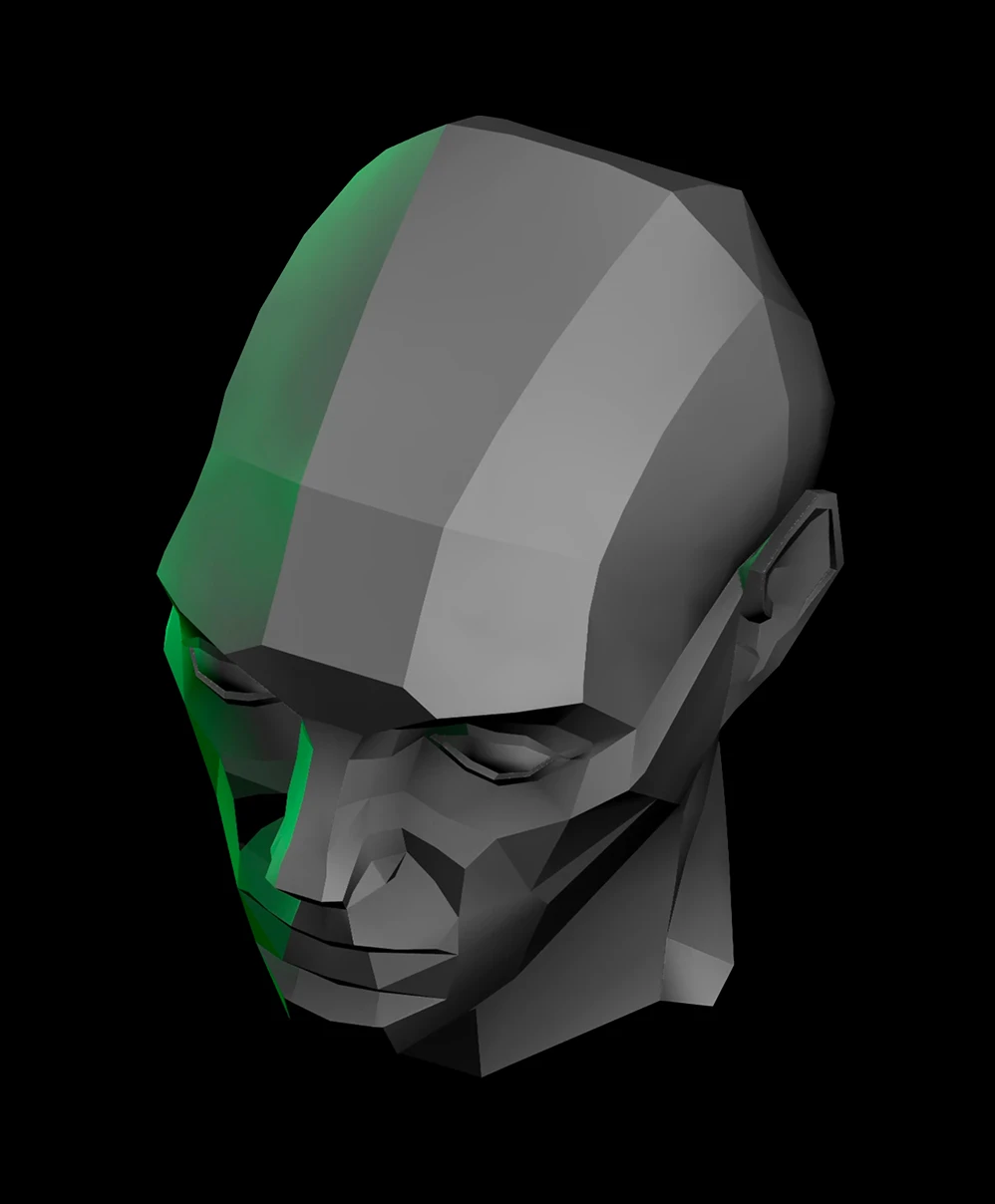
Interactive Asaro Lighting Reference
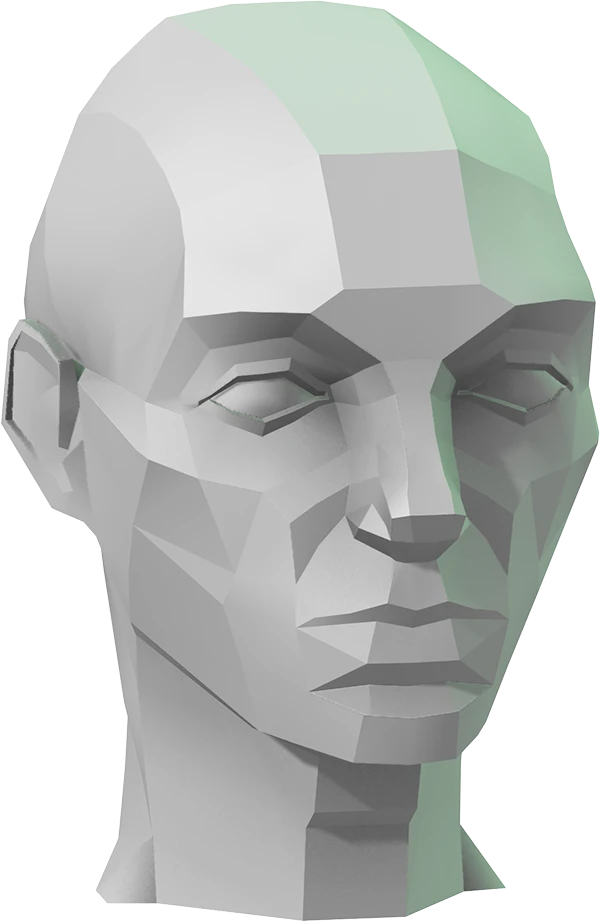
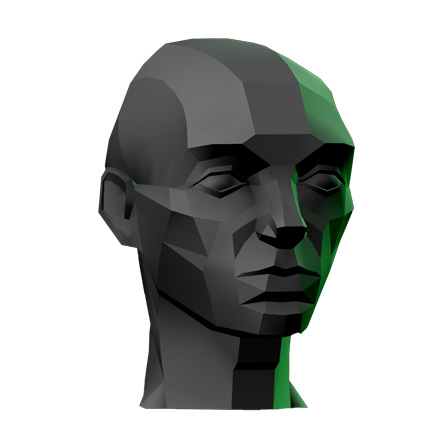
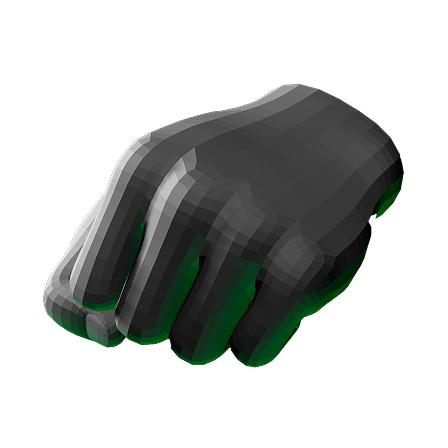
3D low-poly gray and green human head model viewed from above and slightly to the side.
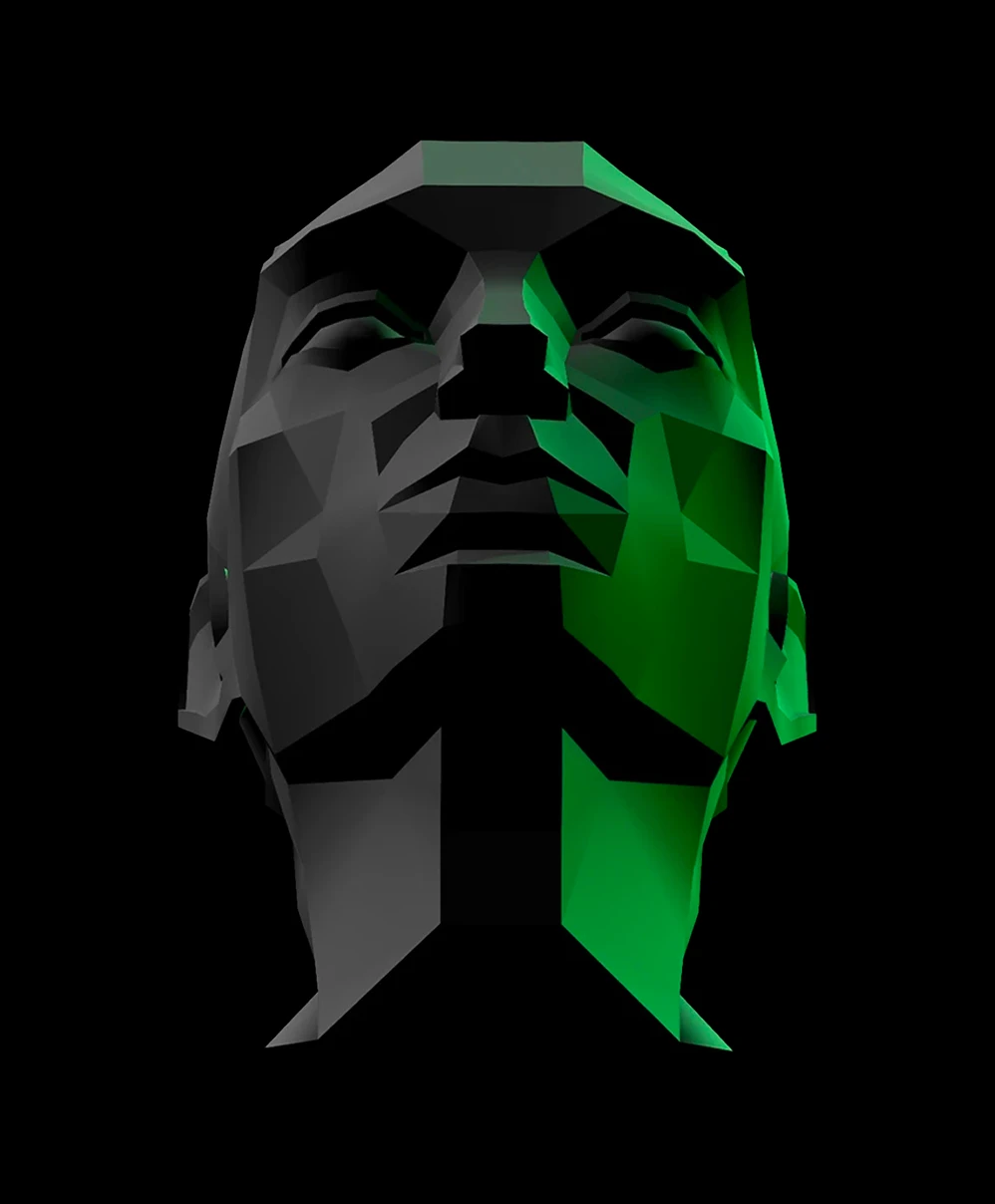
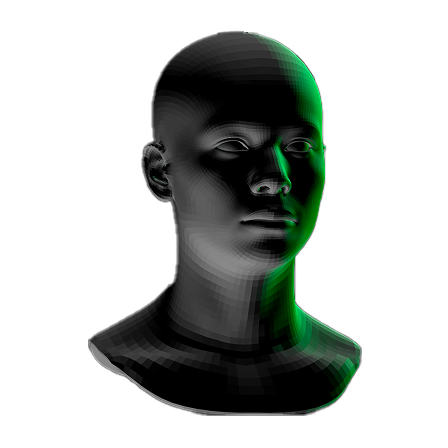
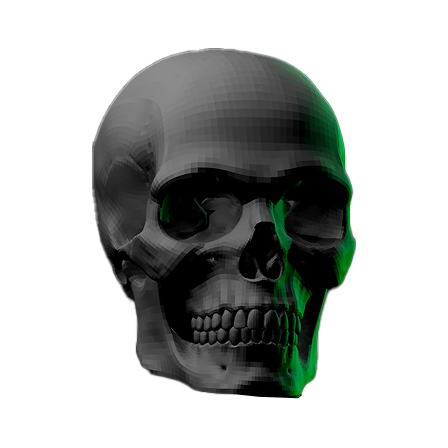
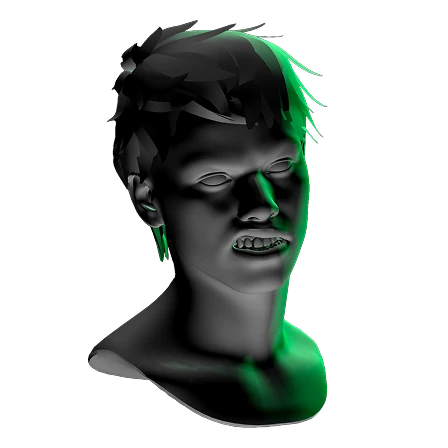
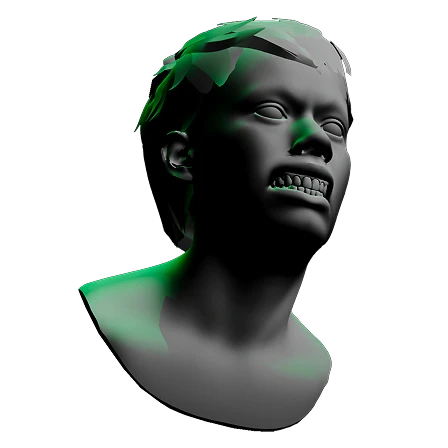
Low-poly 3D rendering of a human head with black and green shading viewed from below.
Close modal

Continuing the Study

John Asaro’s model broke the human face into simplified planes, teaching generations how light travels across form. This interactive tool brings that timeless study into the present.

This iteration, inspired by Xill’s “Asaro Head Complex Side” (CC BY 4.0), is the epitome of digital provenance. Use it to explore these exercises:
  • Value Shading: Move the light to see each plane flip from light to shadow.
  • Planar Analysis: Understand how each surface of the face points in different directions relative to light.
  • Terminator Lines: Watch the sharp line where light falls off into shadow change with every adjustment.
Theory only gets you so far. Grab the controls, move the lights, and start leveling up your visualization skills right now!
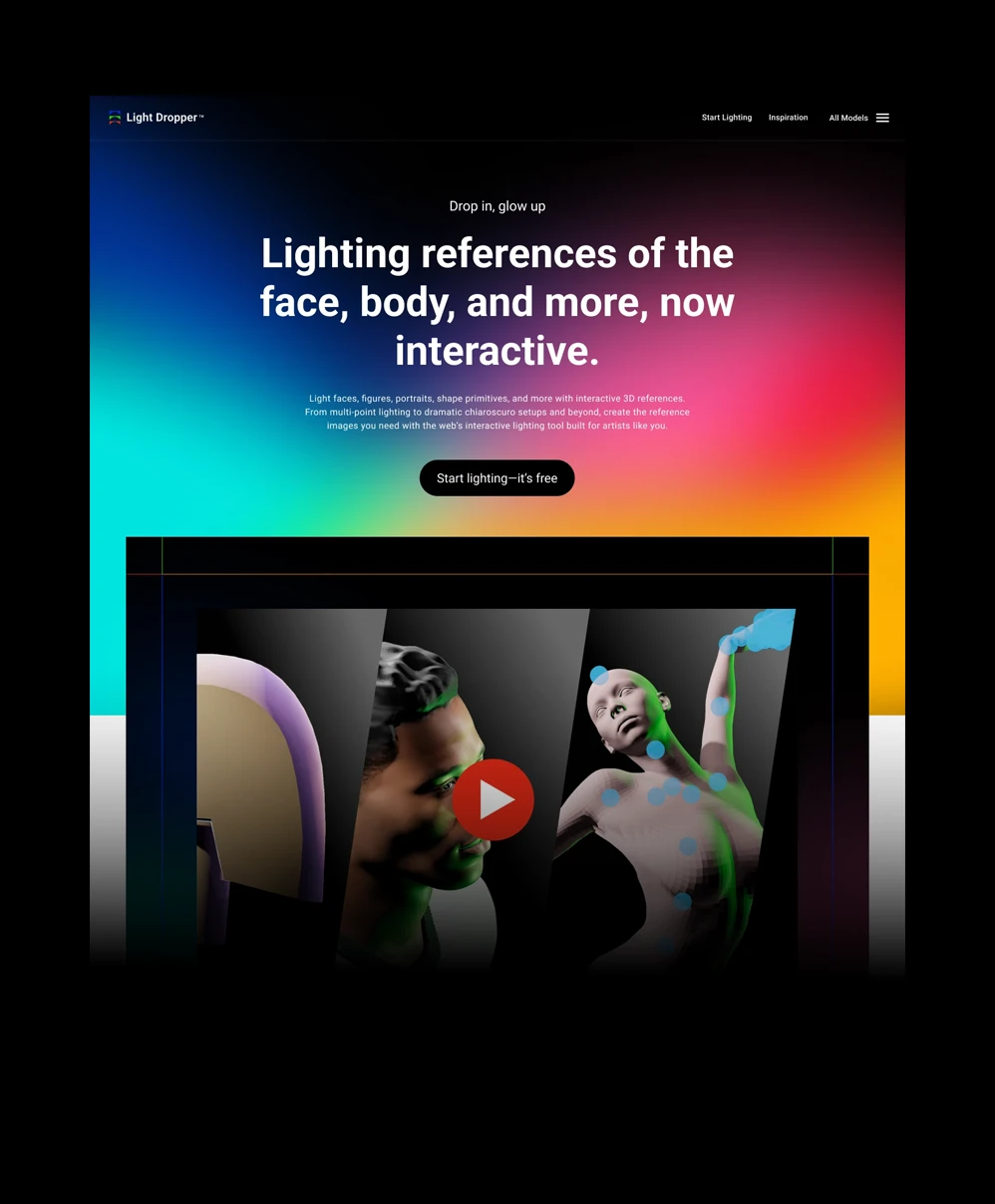
Website homepage for interactive tool
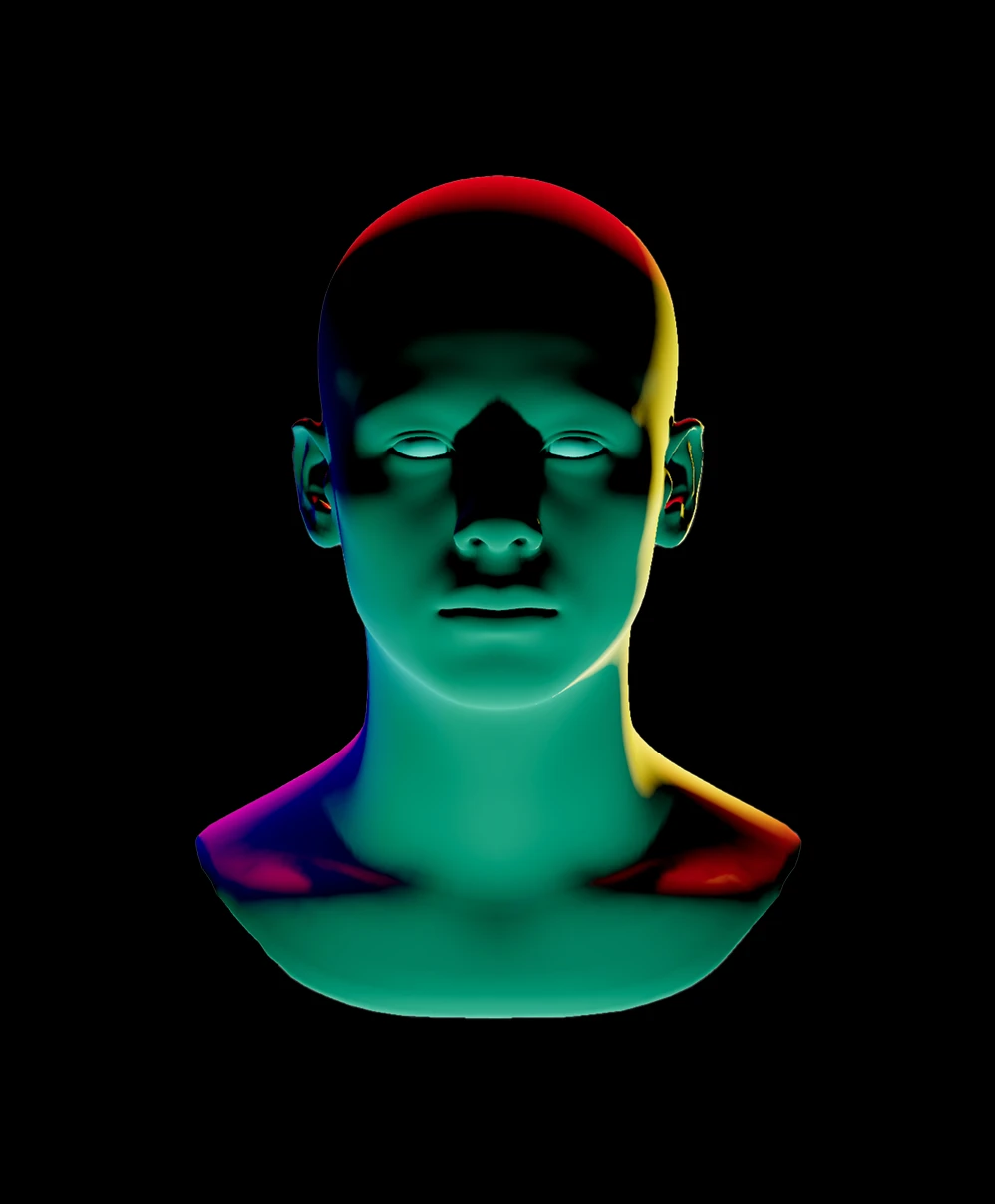
3D green and red lit mannequin head and neck on black background.
Custom lights, brightness, and colors
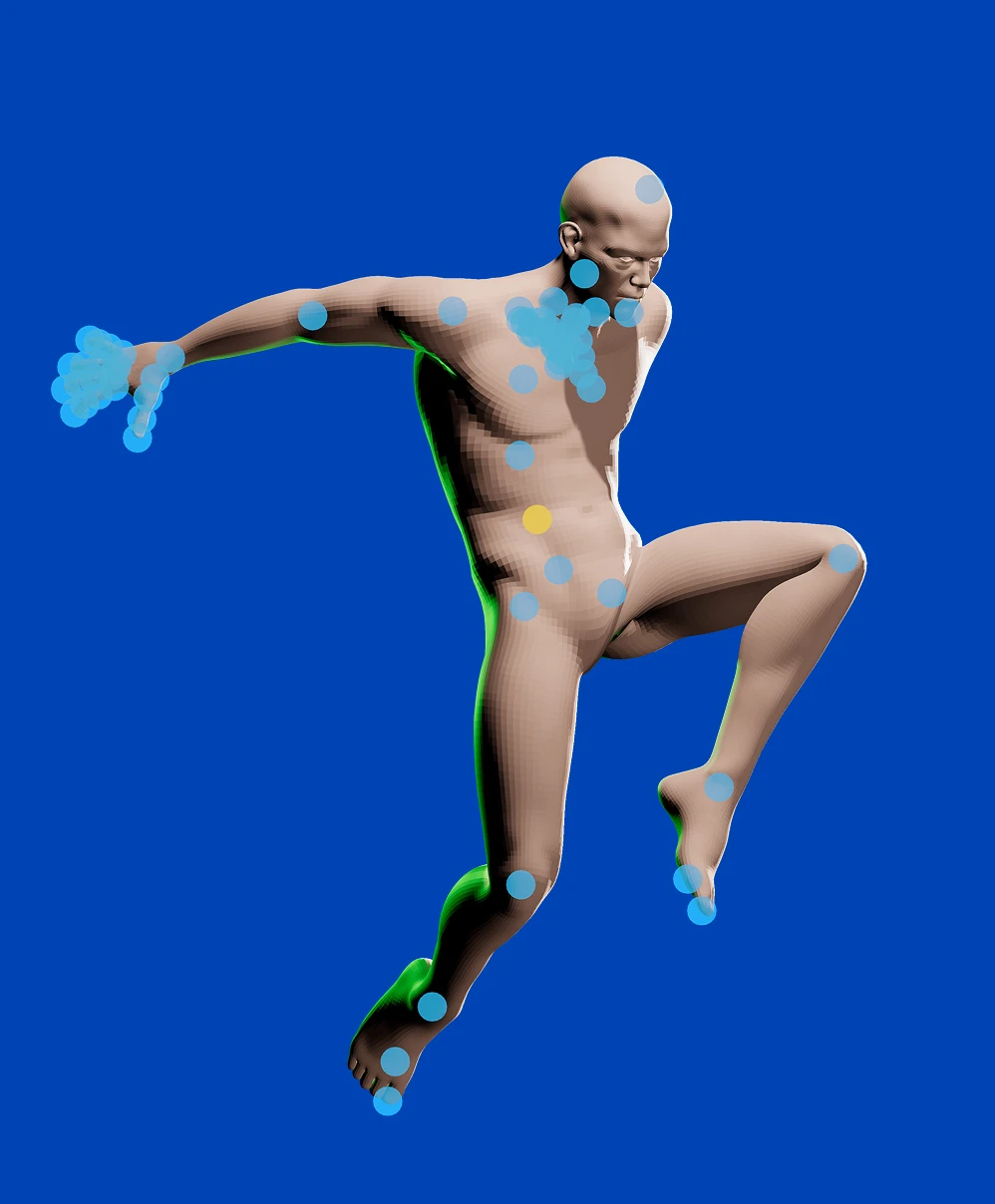
3D human figure in dynamic pose covered with blue and one yellow marker dots on a solid blue background.
Pose and rotate models however you like
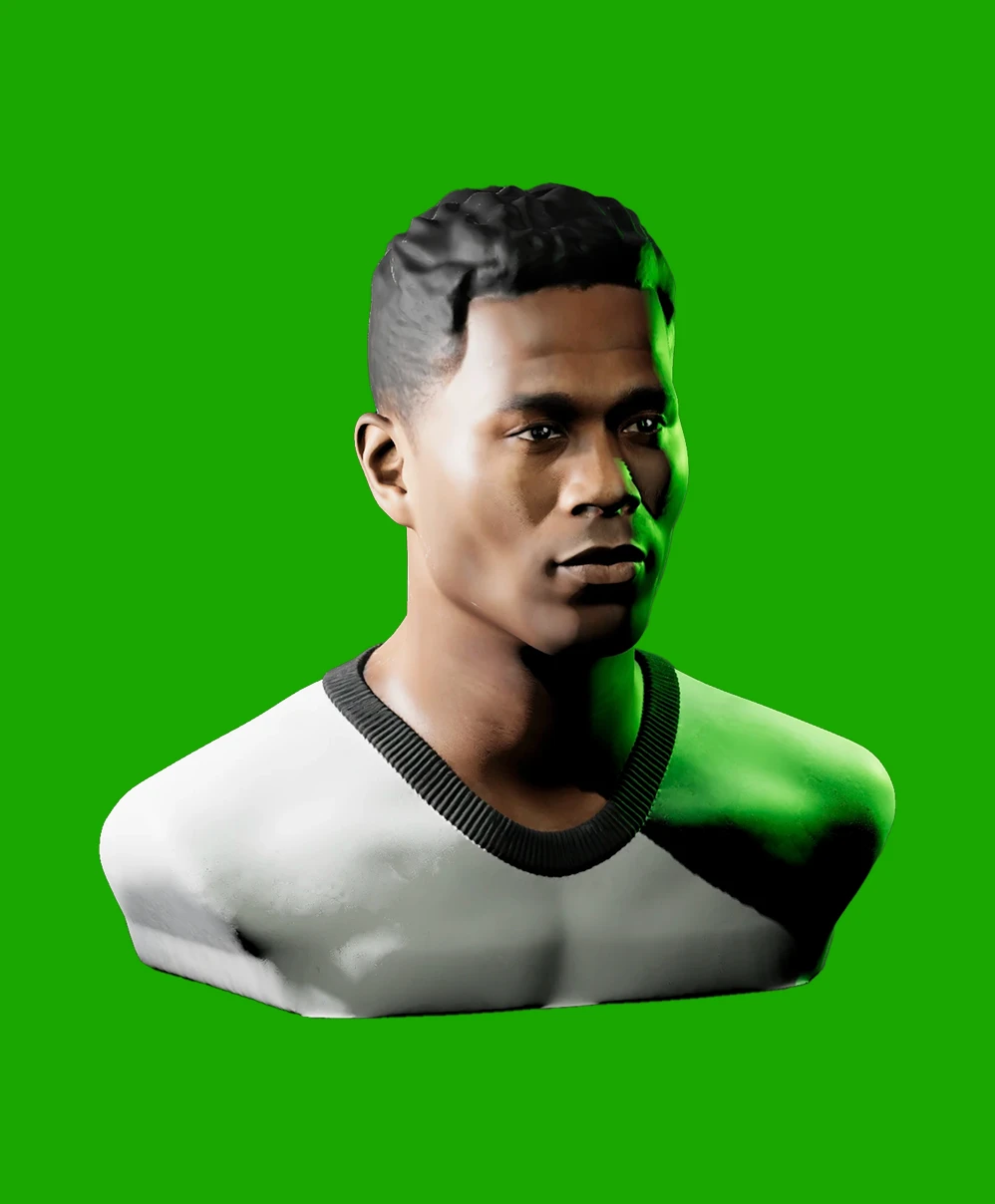
3D rendering of a young man with short hair wearing a white and black shirt against a green background.
Realistic portrait lighting references
Close modal

Say Hello to Light Dropper

What began as a single page on my portfolio has grown into Light Dropper, a dedicated tool I built from the ground up to help you master your lighting reference workflow. A lot of what’s inside came straight from your requests. Light Dropper lets you:
  • Customize the number of lights, along with their brightness and color
  • Pose and rotate models however you like. From shape primitives to animated models, the controls are yours
  • Take precise control over model, surface, and background color
  • Save your work across sessions
  • And plenty more
If you’re ready for a massive upgrade, it’s waiting for you at www.lightdropper.com. Light your reference your way.
Try Light Dropper
Arrow icon pointing up and to the right
Asaro Head
The number 360 degrees in blue text

Interactive Asaro Lighting Reference

Simplify complex facial geometry with this free 360° reference, inspired by John Asaro’s classic Planes of the Head. Rotate the digital model and adjust lighting angles to master how shadows fall across structural planes. Perfect for portrait artists practicing accurate block-ins.

Instructions
Inspiration and credits
Asaro head planar model in light color with bright lighting and green rim light.
Dramatic Lighting
Neutral Lighting
Version 2 is officially here!
An icon with the letters "3D" and two arrows swirling around
INSTRUCTIONS: Click and drag to orbit the model or move lights. Press 1, or 2 on the keyboard to cycle a light’s brightness with each press.
This experience requires a larger window
Customize it